Lift and Elevator Control Panel for hotel Card lock system
The Elevator control panel for the hotel lock system is specially developed to match hotel door locks. It is used for hotel elevator floor button control. You can directly use the Mifare card issued by the hotel door lock management software.
That is, not only does the elevator require a room card to run, but guests who have a room card can only choose to go to their room floor. This is another upgrade of the elevator card swipe method, which can better protect the safety of the guests in the hotel. More and more hotels are also adopting this measure.
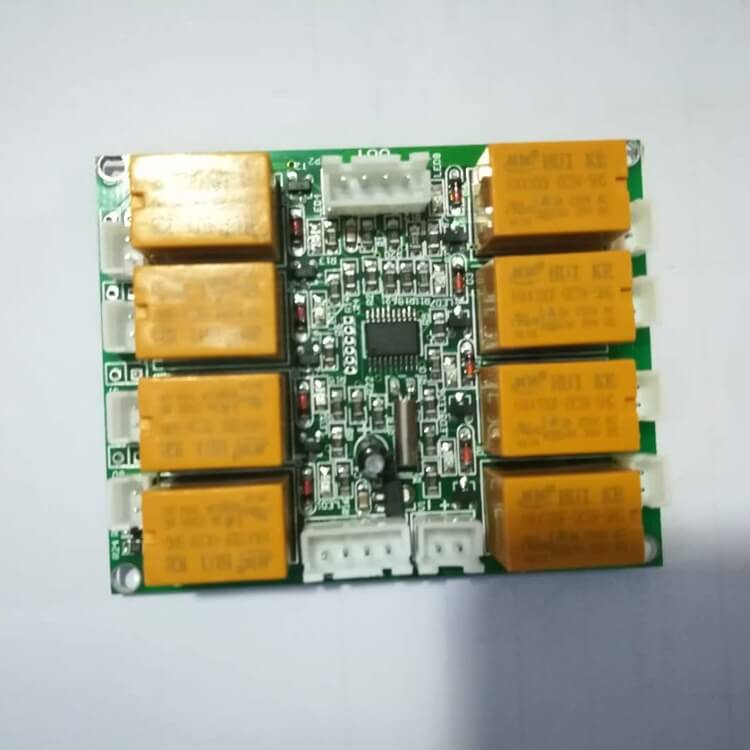
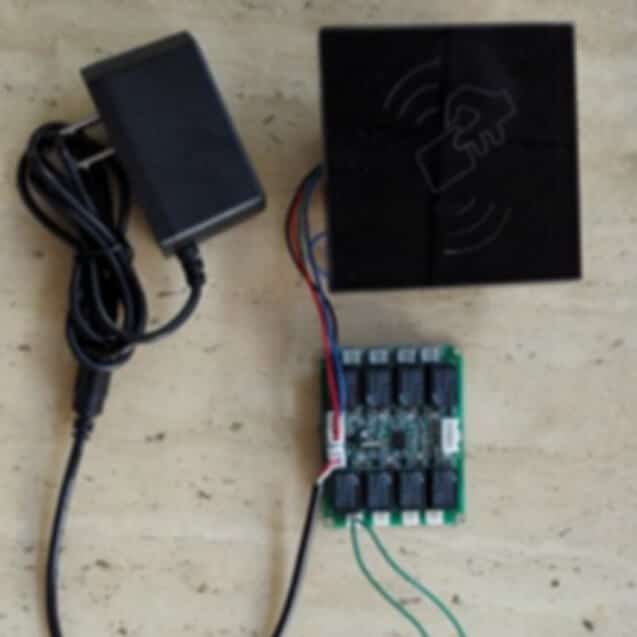
As shown above Picture, 8 relaysElevator controller panel connect power by 2P socket, connect reader by 4P socket, and other 4P socket can connect next elevator control panel.
From the Elevator controllerpanel corresponding floor Socket Position (total of 8 2P socket), connect two lines to the corresponding floor elevator button. Must follow the figure below floor 1-8 corresponding connect to the elevator 1-8 floor button.
Instruction:
Swipe the Hotel System Card(), then swipe the starting floor arbitrary Room No. Settingcard().
The above picture shows the wiring method of setting the starting floor as the floor 1.
Swipe Guest card then just support press the corresponding floor elevator button, Management card is available to all floors.
Remark:
Up to connect 8pcs elevator controller panel, so total 8 * 8 = 64 (Floor).
Means if need controller floor >8, then need two or above elevator panel connect, Up to connect 8pcs, controller 64 floor.
Example 1:
Need controller floor 3-10.
Swipe System Card, then swipe floor 3 arbitrary Room No. Setting card.
And floor 3-10 elevator button connect to the corresponding floor socket as below:
Example 2:
Need controller floor 1-6, and floor 2(Restaurant) everyone can press, with two wire connect solution.
Solution A: Floor 1 as starting floor (need swipe the room card): Floor 1-6 elevator button connect to the corresponding floor socket as below.
Solution B: Floor 3 as starting floor (need swipe the room card): Floor 3-6 elevator button connect to the corresponding floor socket as below:
The above two solutions all can be achieved (anyone can press elevator floor 1 and 2 button, even if there is no card). But floor 3-6 must have the corresponding floor room card then can.